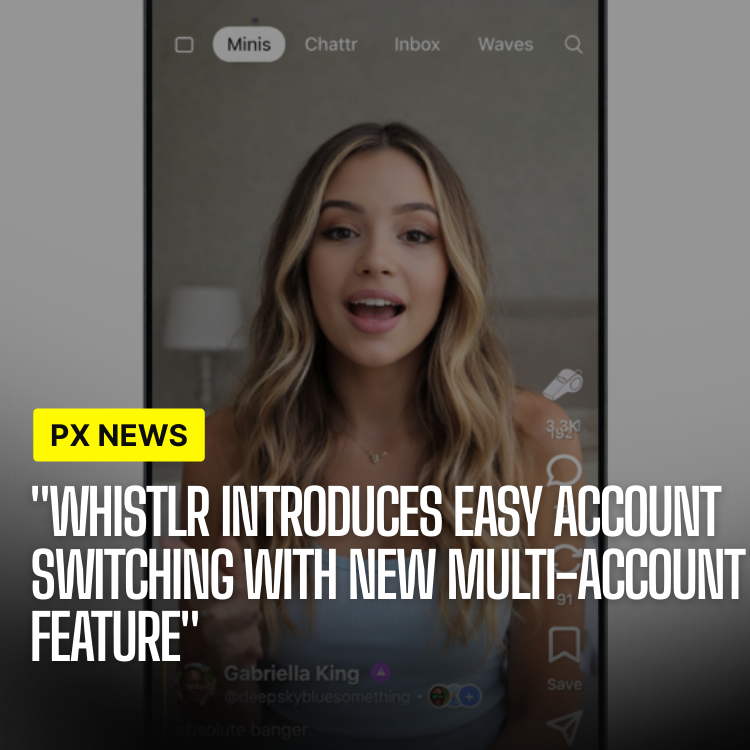
Managing multiple accounts on social media has always been a challenge. Constantly logging in and out, remembering which account you're using, and keeping track of notifications across accounts—it's been a frustrating experience. Whistlr's new Multi-Account Management feature solves all of these problems, allowing you to seamlessly switch between personal, business, and creator accounts from one unified interface, so the boundaries between the different parts of your life stay clear without getting in your way.
Whether you're a creator managing multiple brand accounts, a business owner juggling personal and professional profiles, or someone who simply wants to keep different aspects of your life separate, Multi-Account Management makes it effortless.
The Problem With Juggling Profiles
For years, running more than one account meant accepting friction as the price of separation. You logged out of one identity and into another, hoping you remembered which profile was active before you posted. Notifications for a side project buried the ones that mattered for your main account. A reply meant for your business voice occasionally went out under your personal name. None of these failures were catastrophic on their own, but together they made managing multiple identities feel like a chore most people quietly dreaded.
Multi-Account Management is built to erase that friction entirely. The premise is simple: your accounts should coexist, not compete. You should be able to move between them as easily as switching tabs, with the platform always reminding you exactly who you are about to speak as. Once switching becomes instant and unmistakable, the mental overhead of keeping identities separate largely disappears.
"People don't have one identity online anymore—they have a personal self, a creative self, sometimes a business self. Our job isn't to flatten those into one account. It's to let people move between them without ever losing track of which voice they're speaking in."
— Whistlr Product Team
Quick Account Switching
Switch between accounts instantly:
- One-Tap Switching: Switch accounts with a single tap
- Account Switcher: Quick access menu for all your accounts
- Visual Indicators: Always know which account you're currently using
- Recent Accounts: Quick access to recently used accounts
Unified Notifications
See notifications from all accounts in one place:
- Unified Inbox: All notifications in one feed
- Account Filtering: Filter notifications by account
- Notification Badges: See unread counts for each account
- Quick Actions: Respond to notifications without switching accounts
Cross-Account Analytics
View analytics across all your accounts:
- Combined Metrics: See total engagement across all accounts
- Account Comparison: Compare performance between accounts
- Unified Dashboard: One dashboard for all account analytics
- Cross-Account Insights: Understand how accounts influence each other
Account Organization
Organize and manage multiple accounts:
- Account Groups: Group related accounts together
- Account Labels: Label accounts for easy identification
- Account Colors: Color-code accounts for visual organization
- Account Search: Quickly find specific accounts
Security Features
Multi-Account Management includes robust security:
- Separate Credentials: Each account maintains its own login
- Biometric Authentication: Use Face ID or Touch ID for account switching
- Session Management: Manage active sessions for each account
- Security Alerts: Get notified of suspicious activity on any account
How Account Switching Stays Secure
Convenience and security usually pull in opposite directions, and account switching is a classic example. Make switching too easy and you risk letting anyone who picks up an unlocked phone hop between a person's most sensitive identities. Lock it down too hard and the feature becomes too annoying to use. Multi-Account Management is designed to give you the speed without surrendering the safety.
Each account keeps its own credentials and its own session, so adding a profile to your switcher never blends accounts together behind the scenes. Biometric authentication can gate switching, meaning a quick Face ID or Touch ID check stands between a casual onlooker and your business or personal accounts. And because the platform watches each account independently, a suspicious sign-in on one profile triggers an alert without dragging your other accounts into the alarm.
"Linking accounts for fast switching doesn't mean merging them. Under the hood each profile keeps its own session and its own boundaries, so convenience at the surface never becomes a security shortcut underneath."
— Whistlr Engineering Team
Use Cases
For Creators
Creators managing multiple brand accounts:
- Switch between personal and brand accounts instantly
- Manage content for multiple brands
- Track performance across all accounts
- Respond to messages from any account
For Businesses
Businesses managing multiple profiles:
- Separate personal and business accounts
- Manage multiple business locations
- Handle customer service from one interface
- Track business metrics across accounts
For Individuals
Individuals keeping different aspects separate:
- Separate personal and professional accounts
- Manage hobby-specific accounts
- Keep family and friend accounts separate
- Maintain privacy between different social circles
Best Practices for Managing Multiple Accounts
The feature does the heavy lifting, but a few habits make running several accounts far smoother. These small disciplines are what separate a tidy multi-account setup from a confusing one.
- Color-code by context: Assign each account a distinct color so a glance confirms which identity is active before you post.
- Group what belongs together: Keep related brand or location accounts in a single group to reduce the time spent hunting for the right profile.
- Check the indicator before posting: Make it a reflex to confirm the active account, especially when switching between a personal and a public-facing voice.
- Enable biometric switching: On shared or easily misplaced devices, a quick face or fingerprint check is cheap insurance for your most sensitive accounts.
Getting Started
To set up Multi-Account Management:
- Navigate to account settings
- Select "Add Account"
- Log in to the account you want to add
- Repeat for additional accounts
- Start switching between accounts seamlessly
Who Multi-Account Management Is For
While power users with a dozen profiles will feel the benefit most, Multi-Account Management is genuinely useful for almost anyone. A creator running a personal page alongside a brand presence gets a clean separation between their private life and their public work. A small business owner can keep customer service, marketing, and a personal account distinct without owning three phones. And an everyday user who simply wants their hobby account separate from the one their family follows gets that boundary effortlessly. The common thread is control: the feature meets you wherever your life happens to be divided.
Future Enhancements
We're working on additional features:
- Account templates
- Bulk account actions
- Advanced account analytics
- Account collaboration tools
Start managing multiple accounts effortlessly today with Multi-Account Management.
Frequently Asked Questions
How many accounts can I add to the switcher?
Multi-Account Management is built to handle the realistic range of identities people maintain, from a couple of profiles to a larger set of brand, business, and personal accounts. You can add the accounts you need and organize them with groups, labels, and colors so the list stays manageable as it grows.
If I link accounts for switching, are they merged together?
No. Linking accounts for fast switching keeps them entirely separate underneath. Each profile maintains its own credentials and its own session, so your accounts coexist in one interface without their data or identities blending together.
Can I respond to a notification without switching accounts?
Yes. The unified inbox lets you see notifications from every account in one place, and quick actions let you respond directly, so you can stay on top of all your profiles without constantly hopping between them.
Is account switching secure on a shared device?
It can be. You can require biometric authentication — Face ID or Touch ID — before switching accounts, which keeps a casual onlooker from jumping into your other profiles. Security alerts also notify you of suspicious activity on any individual account.