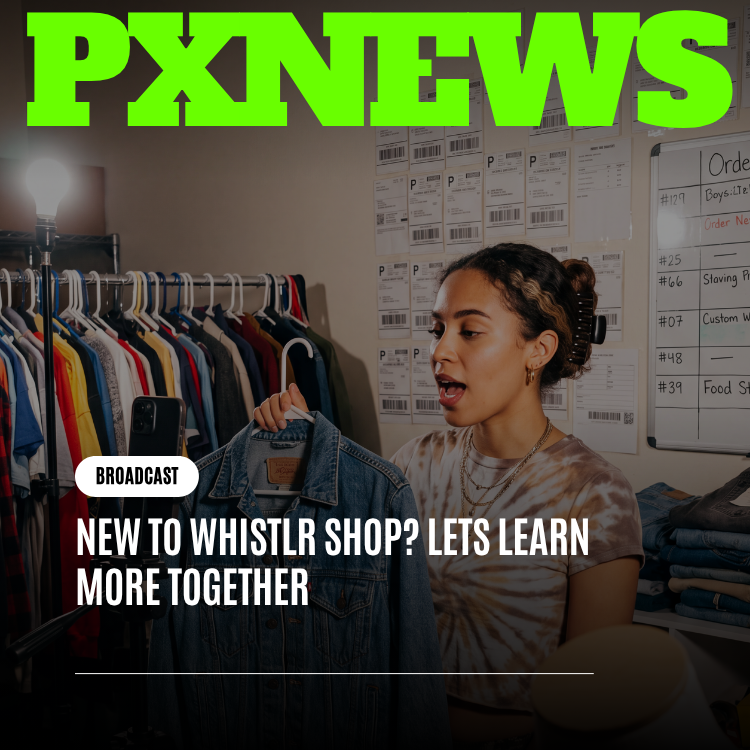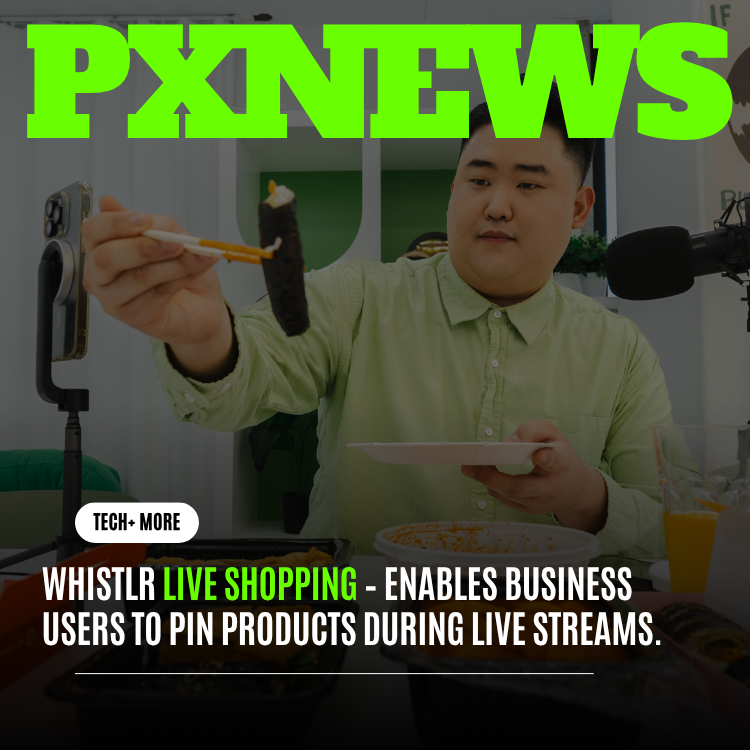
Whistlr Live Shopping is giving business users a new way to turn live streams into interactive product experiences. With product pins, eligible business accounts can highlight items during a stream, keep offers visible while they demonstrate products, and make it easier for viewers to move from interest to purchase—all without breaking the flow of the live conversation that keeps audiences watching.
Live shopping has become one of the clearest examples of how social content and commerce are merging. Whistlr's approach keeps the experience grounded in the live conversation. Products can be pinned when they are relevant, removed when the topic changes, and connected to creator commentary instead of feeling like static ads.
Product Pins Built for Live Streams
During a live stream, business users can select a product from their catalog and pin it to the stream interface. Viewers can tap the pinned product to see more details, pricing, availability, and purchase options without losing the live context. The stream continues while the shopping layer opens, keeping attention on the creator and the product demonstration.
This is especially useful for food creators, beauty brands, fashion sellers, product reviewers, local businesses, and creators who regularly answer purchase questions during live sessions. Instead of repeating links in chat, the product remains visible and easy to access.
- Live product pins: Highlight one or more products during key moments in a stream.
- Catalog integration: Pull product details from a business account's existing product setup.
- Viewer-friendly shopping: Let viewers explore product details without leaving the live experience.
- Creator analytics: Track clicks, saves, interest signals, and stream-driven product performance.
How Product Pins Work During a Stream
The flow is built to be fast, because live moments don't wait. A business account opens its catalog inside the streaming controls, taps the product it's about to talk about, and pins it. The pin appears as a tidy, tappable card layered over the video, and it stays there until the host swaps it for something else or clears it entirely.
From the viewer's side, the experience is just as frictionless. Tapping the pin slides open a panel with the full product details while the stream keeps playing in view. There's no jarring jump to a separate page and no losing your place in the broadcast. When a viewer is ready, the path to purchase or save is right there in the same panel.
- The host opens the product catalog from within the live streaming controls.
- They select and pin the product they're currently demonstrating.
- The pin appears as a tappable card over the live video for all viewers.
- Viewers tap to expand details, pricing, and purchase options without leaving the stream.
- The host unpins or swaps the product as the conversation moves on.
Why Live Shopping Works on Whistlr
Live commerce depends on trust. Viewers are more likely to engage with a product when they can see it in use, ask questions, hear real-time answers, and understand why the creator recommends it. Product pins support that behavior by making the purchasing path simple while keeping the stream authentic.
For businesses, the feature creates a direct link between content and conversion. A restaurant can pin a featured item while showing preparation. A clothing seller can pin the outfit being styled. A creator can pin digital products, merchandise, or partner offers during a launch stream.
"The future of social commerce is not just a shopping cart inside an app. It is commerce connected to live context, creator trust, and audience participation."
— ETAPX Commerce Team
Who Live Shopping Is For
Product pins are deliberately broad, because the businesses thriving on live content come in every shape. A solo maker selling handmade goods benefits just as much as an established brand running a seasonal launch. What they share is a reason to show a product in motion and a moment when a viewer's curiosity is at its peak.
- Food and hospitality: Restaurants and food creators pin featured dishes while showing how they're made.
- Beauty and fashion: Sellers pin the exact item being demonstrated or styled on camera.
- Reviewers and educators: Creators pin the products they're walking through so viewers can dig in immediately.
- Local businesses: Neighborhood shops turn a casual live session into a discoverable storefront moment.
Best Practices for Selling on Live Streams
The businesses that get the most from product pins tend to treat the stream as a conversation first and a storefront second. Audiences can sense when a live session has turned into a pure sales pitch, and they tune out. The pins work best as a natural extension of what the host is already showing and explaining.
- Pin in context: Surface a product the moment you start talking about it, not as a wall of items at the start.
- Demonstrate, don't just describe: Show the product in use so viewers understand the value before they tap.
- Answer in real time: Use the live format to handle purchase questions on the spot, which is where trust gets built.
- Keep it tidy: Swap or unpin products as the topic shifts so the pin always matches the moment.
A Step Toward Creator-Led Commerce
Product pins are part of ETAPX's larger commerce roadmap for Whistlr Business. The company is building tools that help creators and businesses monetize without making the platform feel overly commercial. Live Shopping gives business accounts a practical way to sell while still prioritizing entertainment, education, and community.
As more creators build businesses around live content, tools like product pins will become essential. They reduce friction, improve product discovery, and help business users prove that live engagement can drive measurable results.
Frequently Asked Questions
Who can use product pins?
Product pins are available to eligible business accounts on Whistlr. Once an account has a product catalog set up, it can pin items during live streams.
Do viewers have to leave the stream to see a pinned product?
No. Tapping a pin opens a detail panel while the live stream keeps playing in view. Viewers can explore pricing and purchase options without losing their place in the broadcast.
How many products can be pinned at once?
Hosts can pin and swap products throughout a stream to match what they're currently demonstrating. The recommended approach is to keep the pinned item relevant to the moment rather than crowding the screen.
Can I see how my products performed during a stream?
Yes. Creator analytics track clicks, saves, interest signals, and stream-driven product performance, so businesses can understand which live moments actually moved viewers toward purchase.
Where do pinned products pull their information from?
Pinned products draw details, pricing, and availability directly from the business account's existing catalog, so the information stays accurate and consistent with the rest of the storefront.